Omni Playlist Sync

Ahnaf An Nafee / July 11, 2026
python
typescript
react
docker
tailwindcss
rest-api
A self-hosted, always-on playlist sync for Spotify, Apple Music, YouTube Music, and Jellyfin, with a browser app, one-off transfers, and ISRC-accurate matching. A free, open-source Soundiiz alternative you run yourself.

Overview
Omni Playlist Sync keeps the playlists you curate on one service mirrored across all the others. Spotify, Apple Music, YouTube Music, and a local, Jellyfin-ready download folder stay identical without manual re-adding, one-by-one copying, or a paid cloud service holding your library. It runs one-way with a chosen source of truth, or as a full bidirectional (N-way) sync where an add or removal on any service propagates everywhere. I built it as a free, open-source alternative to Soundiiz and TuneMyMusic that you own and host yourself.
I wrote up the engineering behind it in a dedicated post: Mirroring My Spotify Playlists to Apple Music, YouTube Music, and Jellyfin.
What I Built
It started as a headless Python engine and grew into a browser app on the same core:
- Sync engine in Python: ISRC-first matching with Unicode-aware fuzzy fallbacks (RapidFuzz plus anyascii romanization, anchored by track duration), oldest-first date-added ordering, and a paranoid removal path guarded by a dry-run default, per-pass caps, and net-loss and empty-snapshot protection.
- Web app with a FastAPI backend and a React single-page UI: connect each service, build any number of named syncs, run one-off transfers, and watch every match, add, and removal stream live over server-sent events. A
serviceslayer drives the engine so the web layer never touches it directly. - Four connectors behind one
MirrorTargetinterface: Spotify (OAuth), Apple Music (paste two web-player tokens, no developer account), YouTube Music (the official Data API v3), and Jellyfin (API key) for the local download mirror. - Docker deployment: one
docker compose up -dserves the UI and runs your syncs on schedule. Everything is configured in the browser and saved to a local data folder, so no credentials ever leave the machine.
Highlights
- Cross-catalog matching that survives multi-artist credit drift, remaster and "Official Music Video" suffixes, and non-Latin scripts, never guessing when nothing clears the bar.
- Bidirectional N-way sync with echo suppression via a per-provider canonical snapshot, add-wins conflict resolution, and a read-collapse guard against transient API hiccups.
- One-off transfers with pause, resume, and stop, plus manual resolution of tracks that could not be matched automatically.
- A Jellyfin-ready local audio mirror through spotDL, with per-playlist folders, real playlist covers, and an auto-updated
.m3u8.
Screenshots
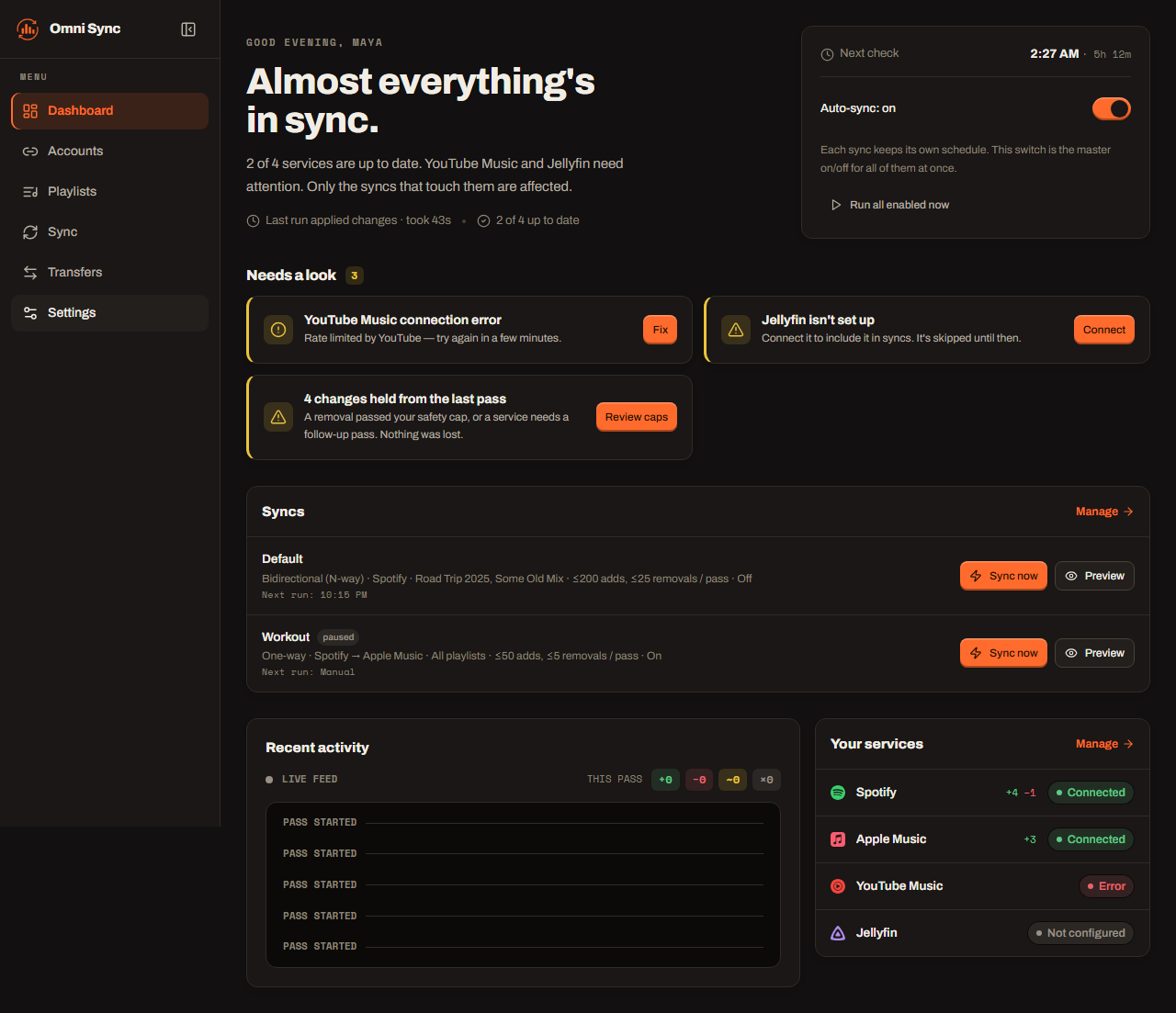
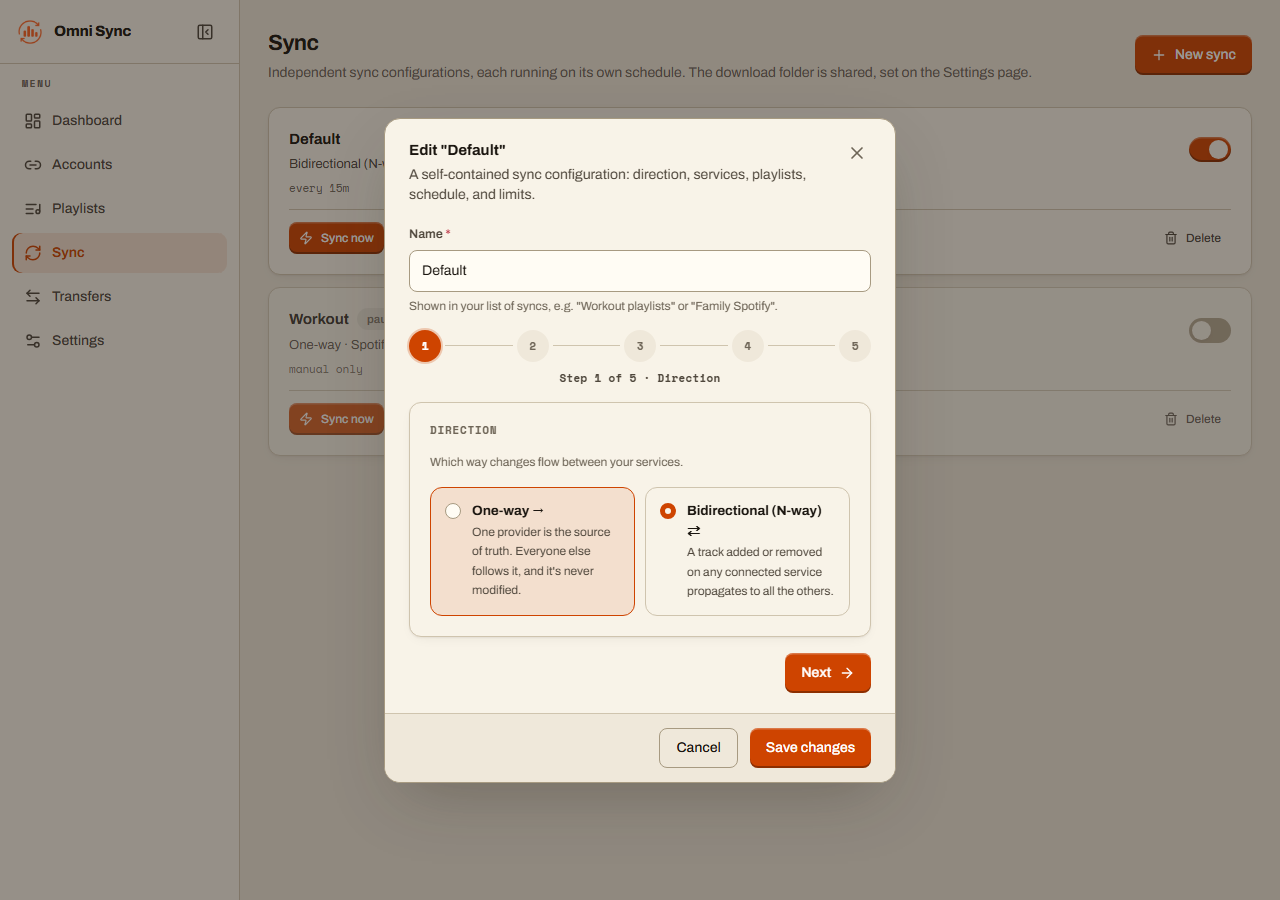
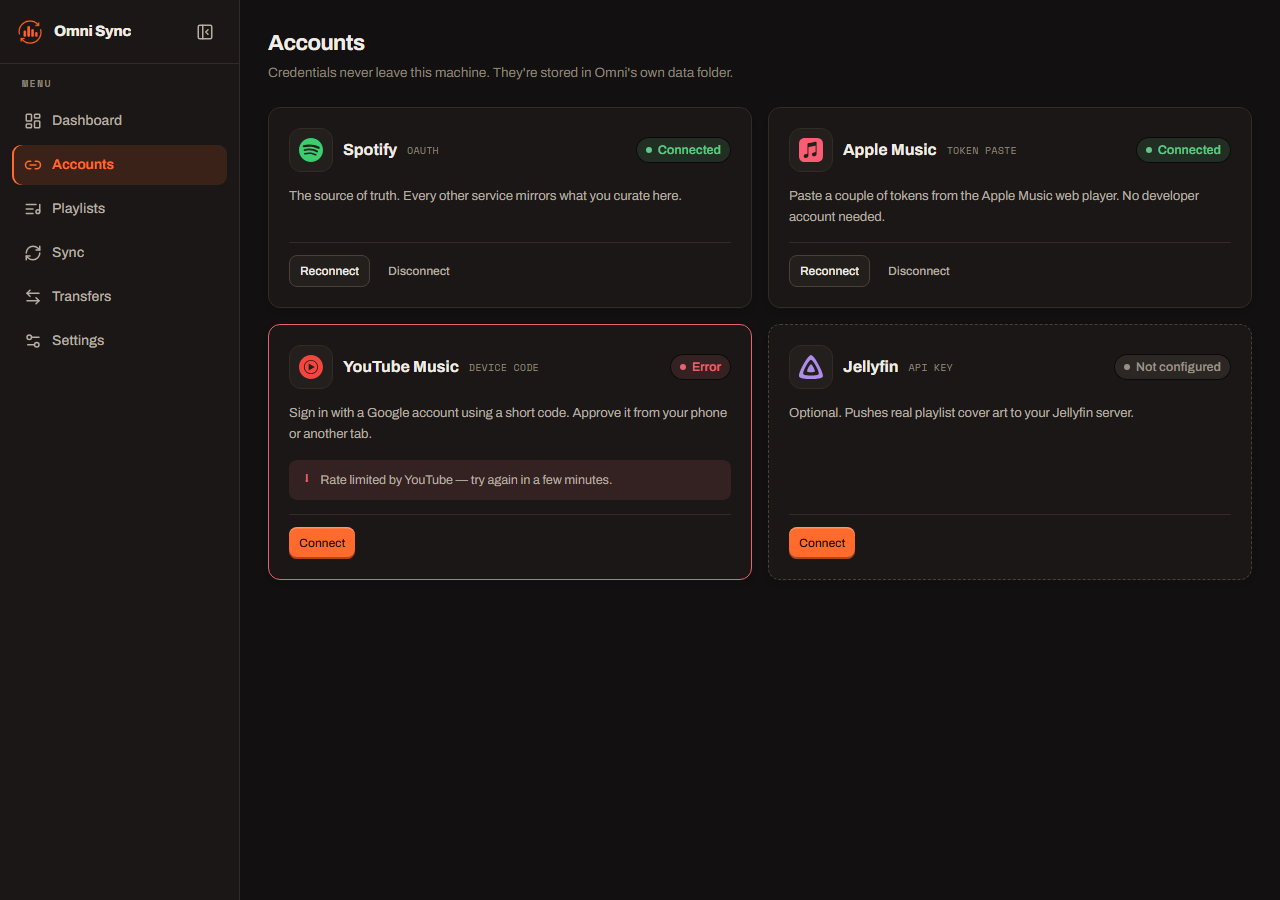
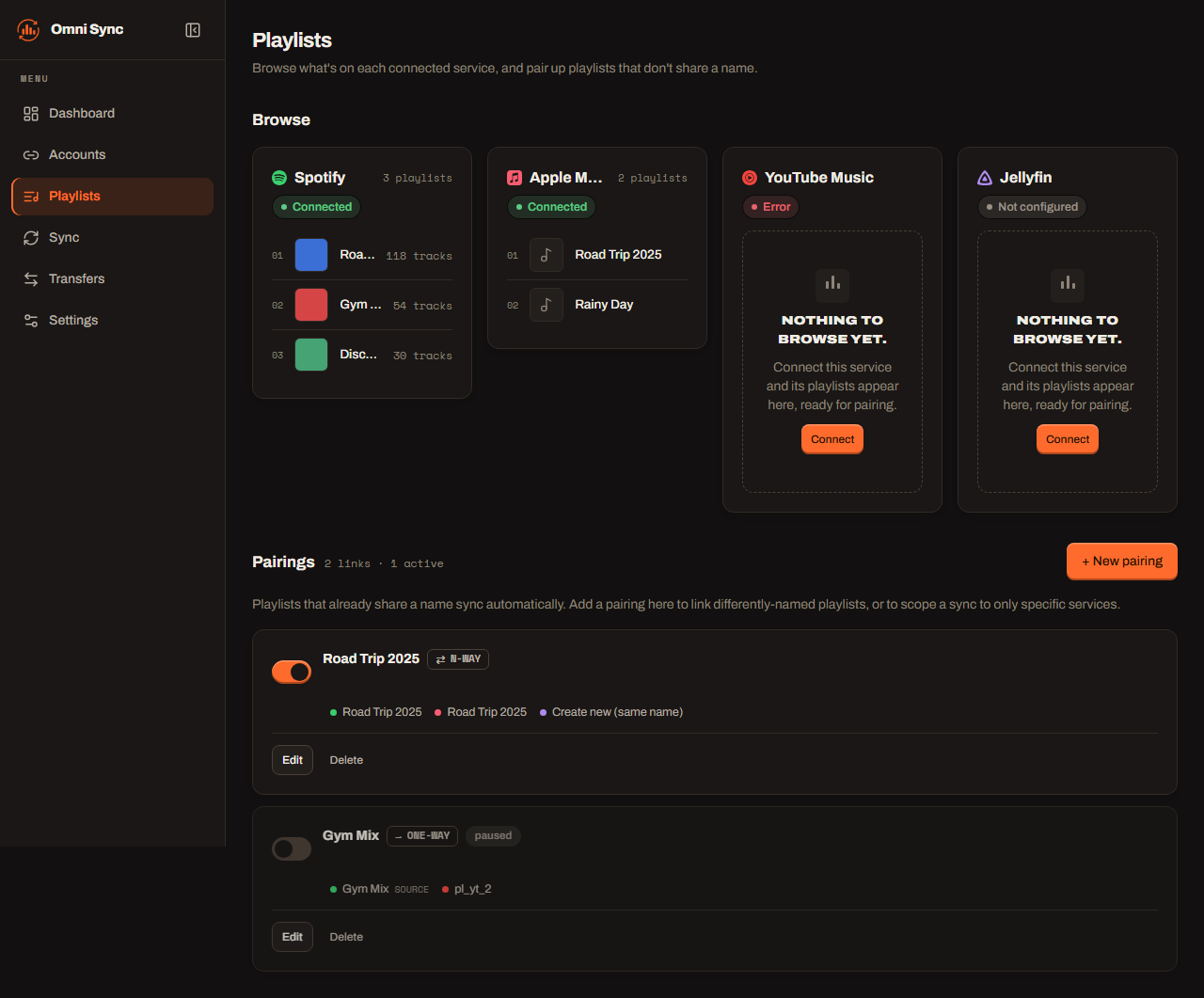
The source is on GitHub, MIT-licensed, and the default run is a dry run that prints every add and removal it would make before touching a single playlist.