Pinned Calendar

Ahnaf An Nafee / June 03, 2026
kotlin
android
android-studio
An offline Android agenda and recurring-task app, now on Google Play. Keep events and to-dos in one persistent notification, with actionable reminders and an adjustable layout.

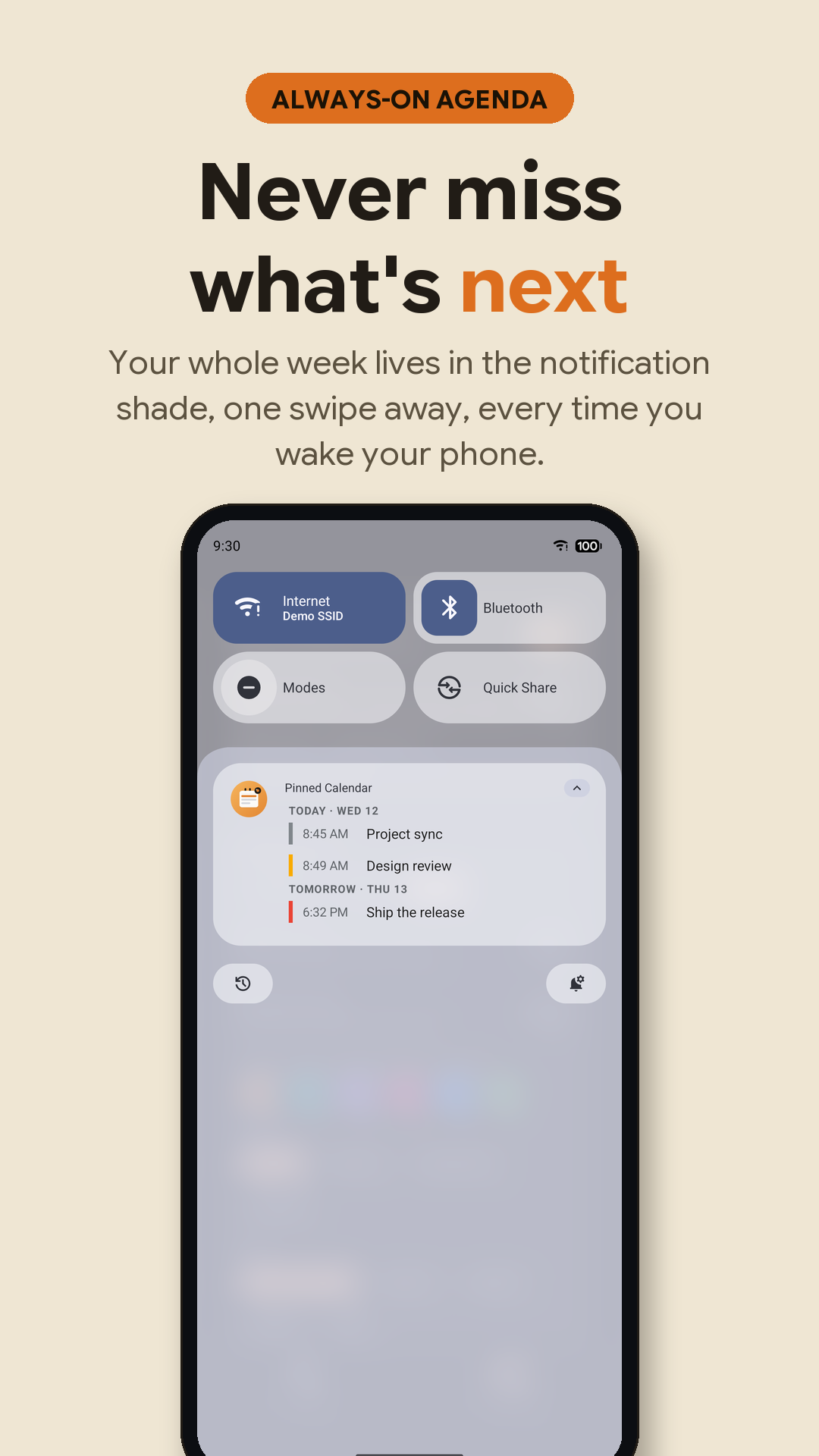
Pinned Calendar keeps upcoming calendar events and local tasks visible in a persistent Android notification. I built it so a plan could remain in view between apps, then extended it with recurring tasks and separate due-time reminders. It is now available on Google Play, with no sign-in, ads, analytics, or internet permission.
An Agenda That Stays Within Reach
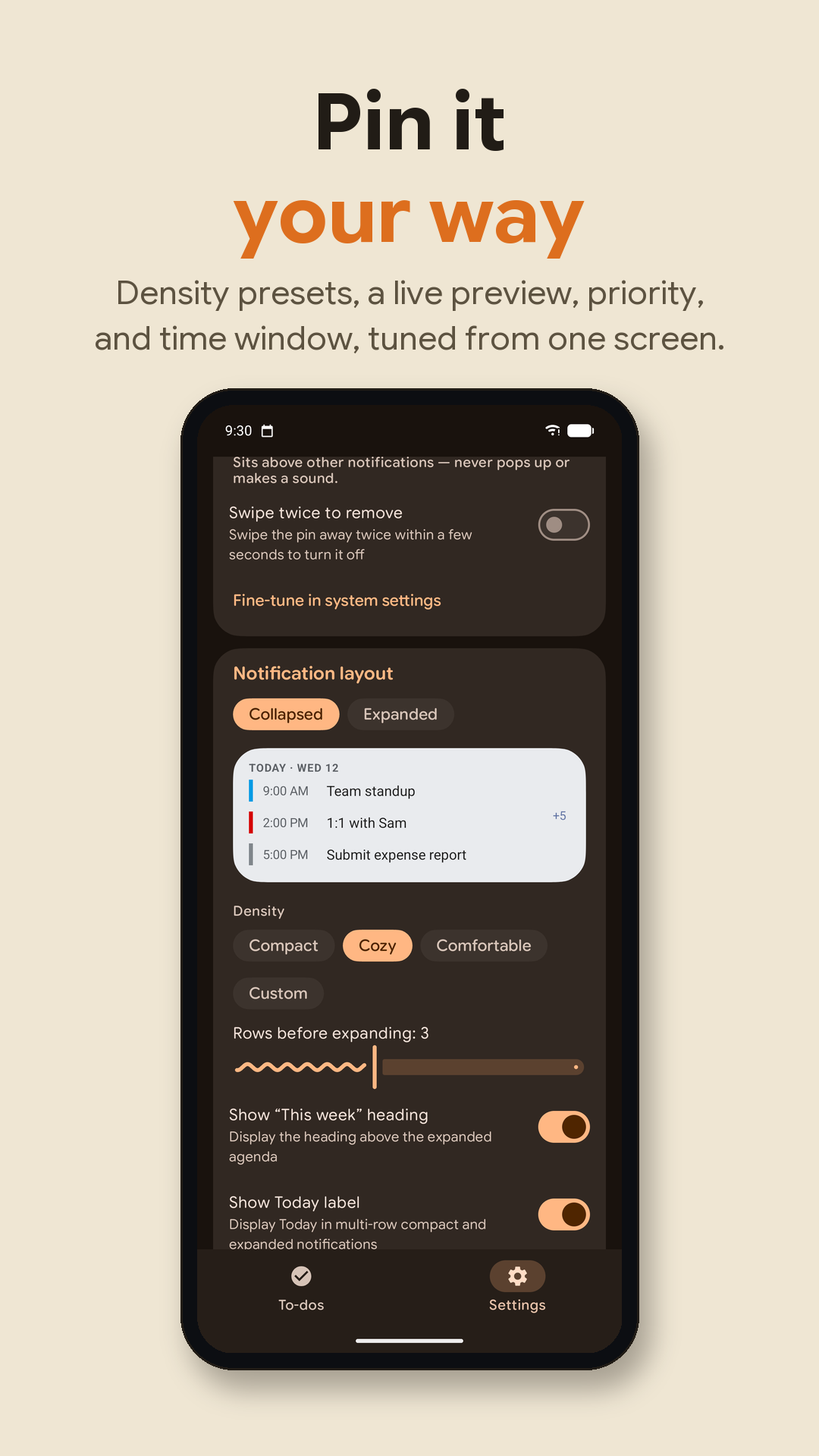
The pin combines calendar entries and to-dos in day groups with per-calendar colors and task-priority accents. Choose a three-day, current-week, seven-day, or fourteen-day window, then filter calendars and cap the item count. Compact, Cozy, Comfortable, and Custom density settings work with a live collapsed/expanded preview, row limits, and heading controls.
An accidental dismissal triggers a delete-intent receiver that rebuilds the notification. The app switch turns it off explicitly; optional swipe-twice-to-remove does the same after two quick dismissals. Boot and app-update receivers restore the schedule, while WorkManager and a calendar observer refresh the contents without a foreground service.
Recurring Tasks and Actionable Reminders
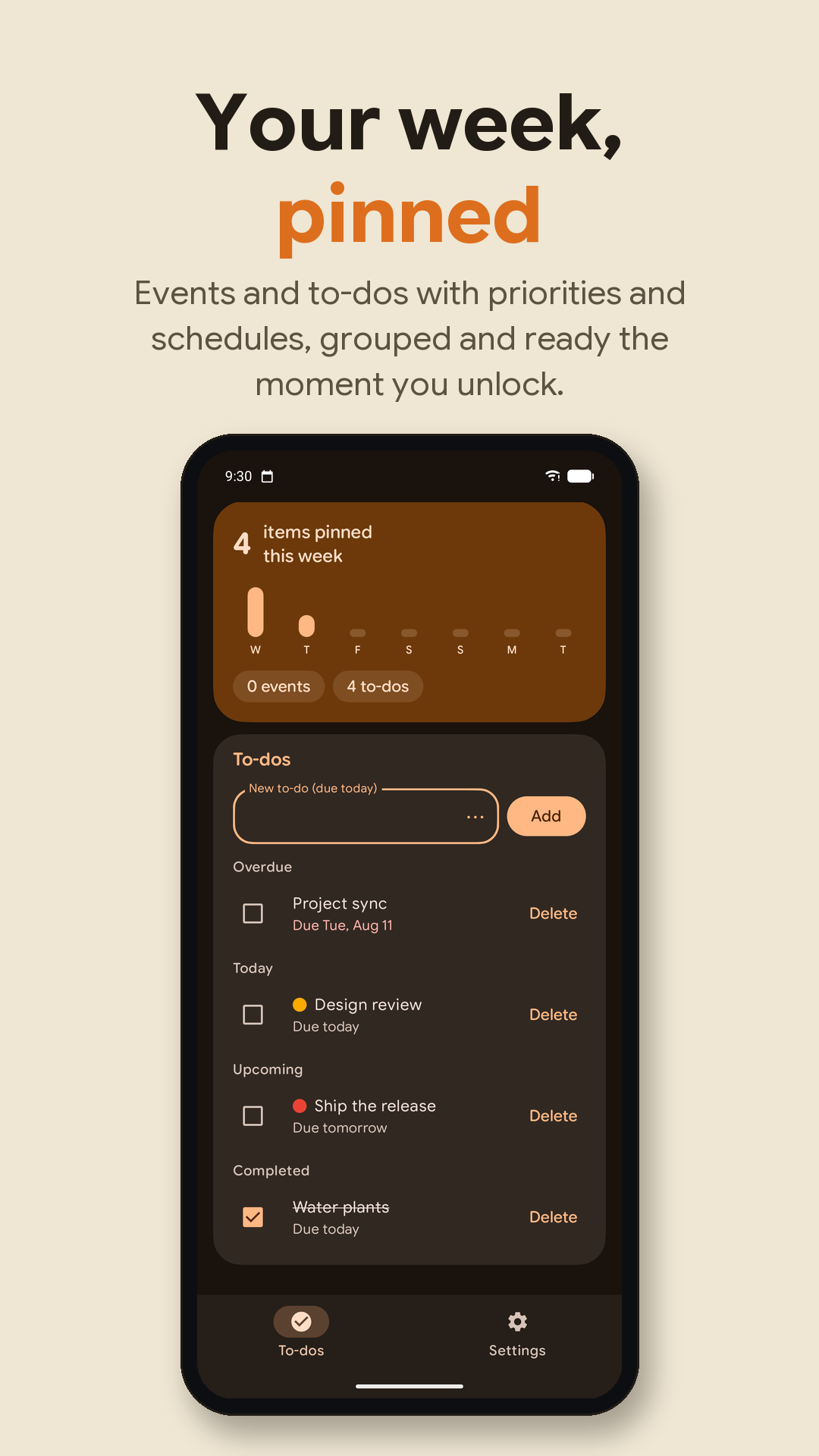
Tasks have due dates and times, notes, and priorities, with Overdue, Today, Upcoming, and Completed groups. Unfinished work carries forward. Daily, weekly, monthly, and yearly recurrence can be customized with intervals, weekdays, an end date, or an occurrence limit. Completing a recurring task advances it to the first upcoming occurrence while preserving month-end and local-time scheduling intent.
Due-time reminders remain separate from the agenda pin. Done completes the occurrence directly from the notification, and Snooze delays its reminder for 30 minutes without changing the original due time. AlarmManager uses exact alarms when access permits and falls back to inexact delivery when it does not.
Local Storage and a Testable Core
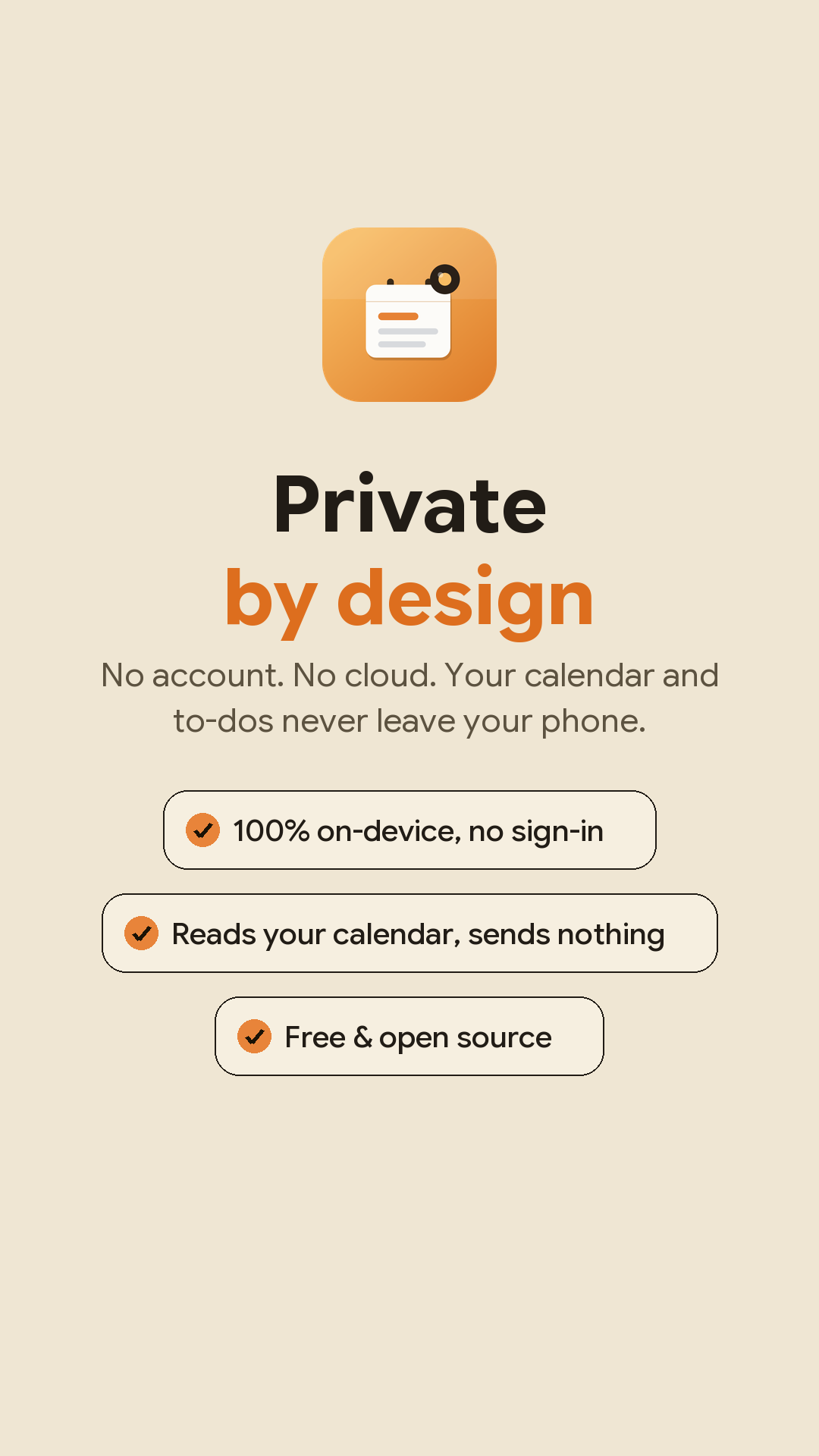
Calendar events come from Android's Calendar Provider, so the app works with calendars already synced to the device. DataStore stores tasks and preferences locally. The manifest omits INTERNET, and application cloud backup is disabled. The privacy policy documents what stays on the phone.
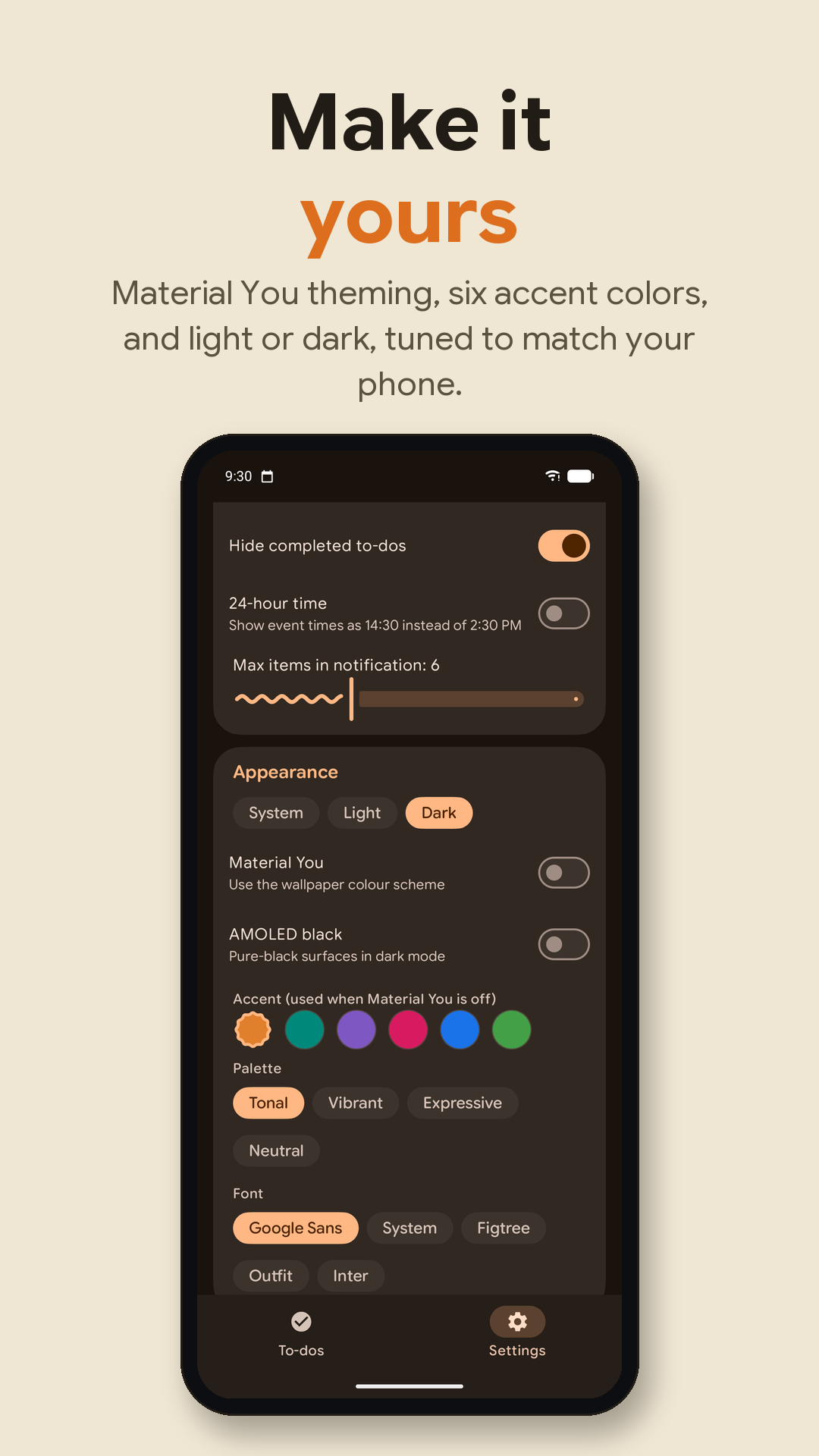
Pure-Kotlin windowing, day grouping, and content construction keep date logic independent of Android. Injected clocks and recurrence tests cover boundary cases, while receiver and scheduling tests exercise the platform layer. The UI uses Jetpack Compose, Material 3, and custom RemoteViews, with Material You colors, AMOLED black, selectable fonts, and 15 languages including right-to-left Arabic.
Screenshots and Engineering Write-Up
The full write-up covers recurring-task behavior, reminder actions, and the notification lifecycle. Pinned Calendar is MIT-licensed, with source on GitHub, a project website, and a public Google Play listing.